

The FASTEST Way to Organize All Your DIGITAL Recipes (No Stress)
We need to talk about your digital recipes, because if you’re like most people, they are everywhere! You’ve got Pinterest boards, screenshots, Instagram saves, TikTok videos, and random websites, and then when it’s time to actually make dinner, you can’t find anything.
Here’s the problem. Most digital recipe systems fail for one simple reason: they’re too complicated. If saving a recipe requires multiple steps, opening multiple apps, copying and pasting, or filling things out, you’re just not going to keep up with it. Especially not at night when you’re tired and scrolling.
So today, I want to show you a system that actually works because it’s fast, simple, and something you’ll still be using years from now. Keep reading, or watch the video here!
Before we get into the steps, here’s the rule behind the whole system:
- Saving a recipe should take just a few taps
- No copying and pasting
- No “I’ll organize this later” steps
If it takes longer than that, it’s already broken.
Step 1: Create One Simple Folder
Grab your phone (seriously, do this now because it takes about 20 seconds). Open your Notes app, create a new folder, and name it “Recipes” or whatever you want. That’s it. Step one is done.
Step 2: Save Recipes With One Tap
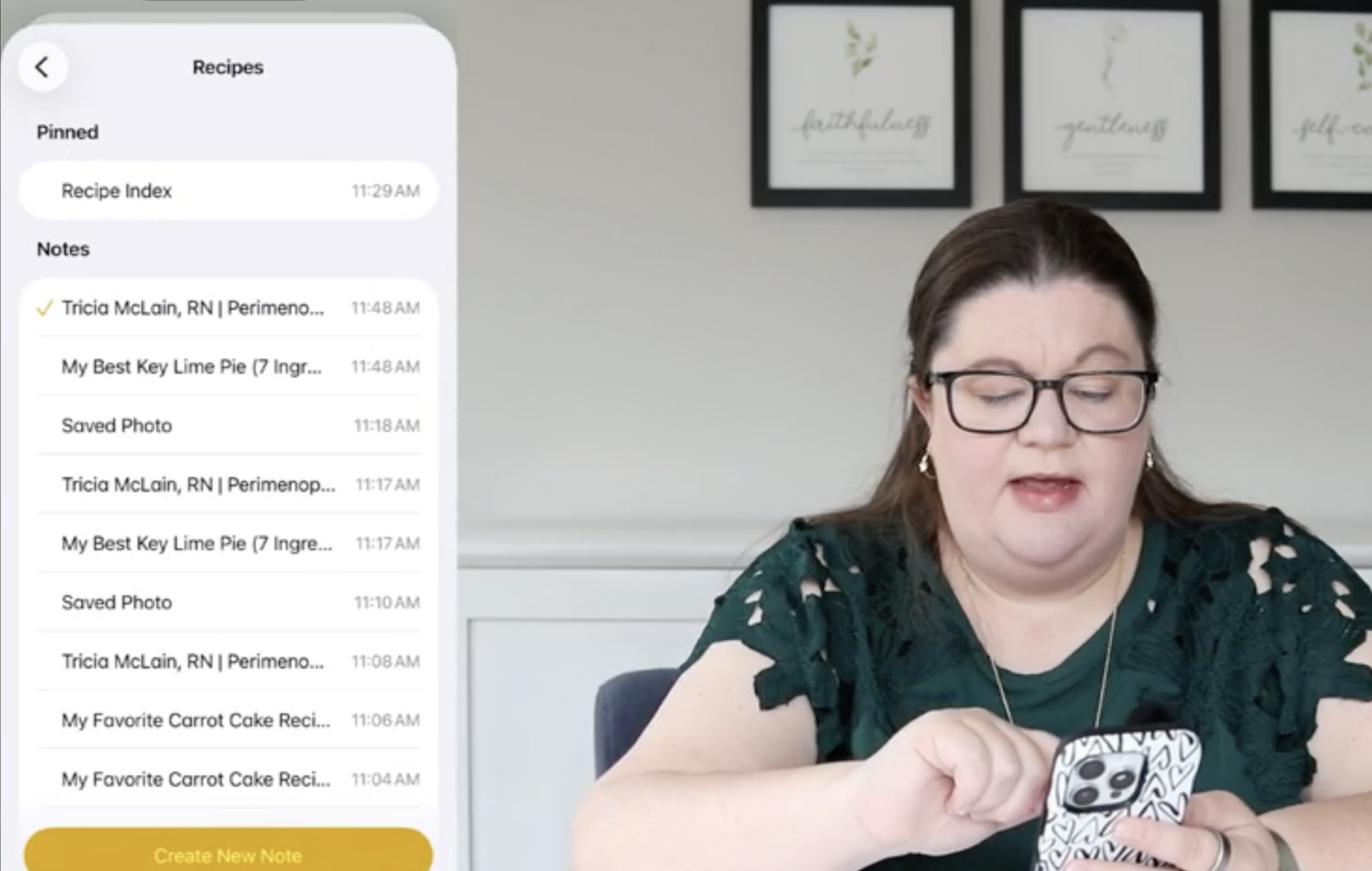
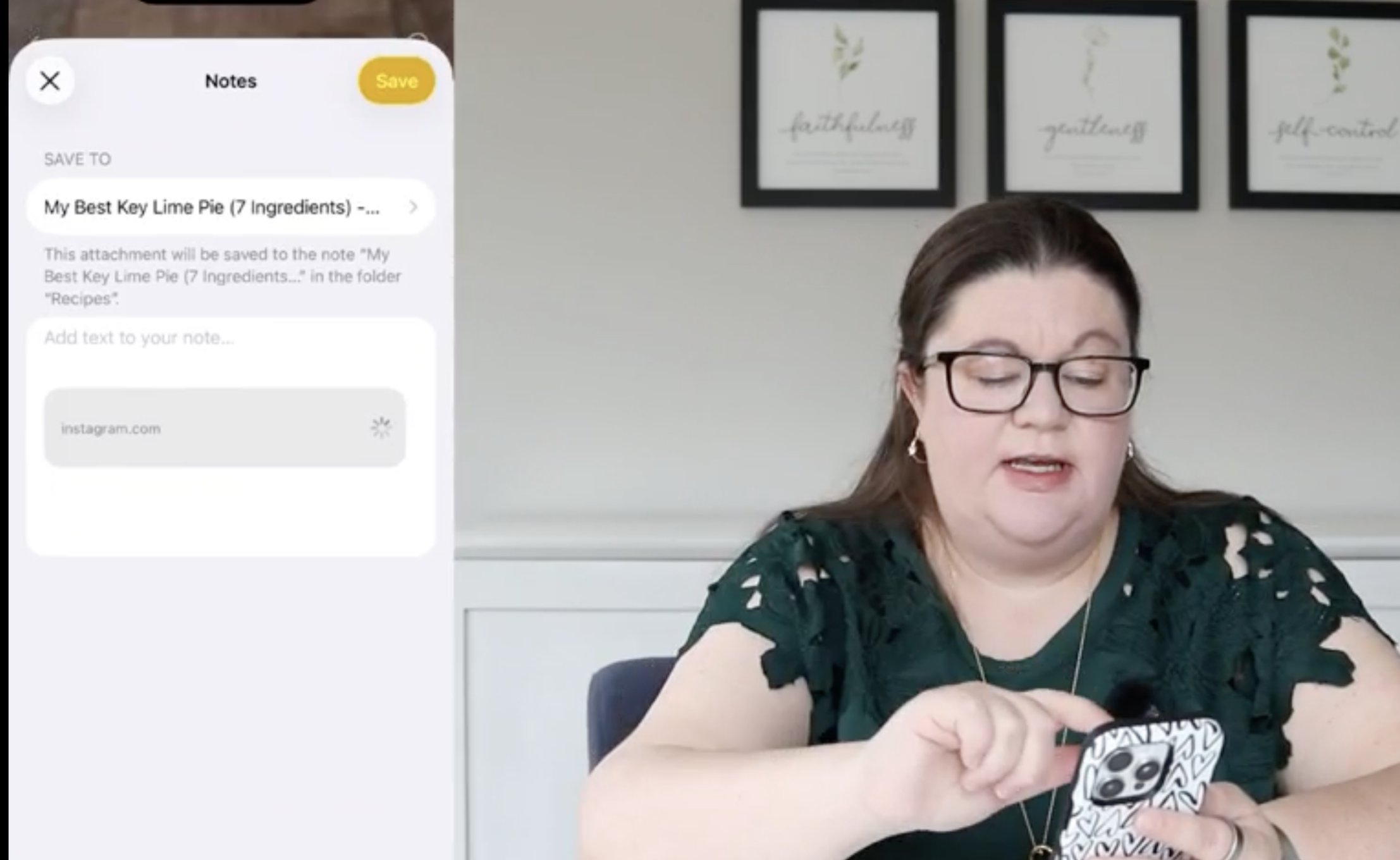
This is where the system really works. Whenever you find a recipe you want to keep, you simply tap share, select Notes, choose your “Recipes” folder, and save it. That’s it. No copying, no pasting, no organizing ahead of time.
This works across almost everything you’re already using:
- Websites
- Instagram posts
- TikTok recipes
- Screenshots
- Photos of handwritten recipe cards
Everything goes into one place the same way every time, which is exactly why this system is so easy to stick with.
Step 3: Let Search Do the Work
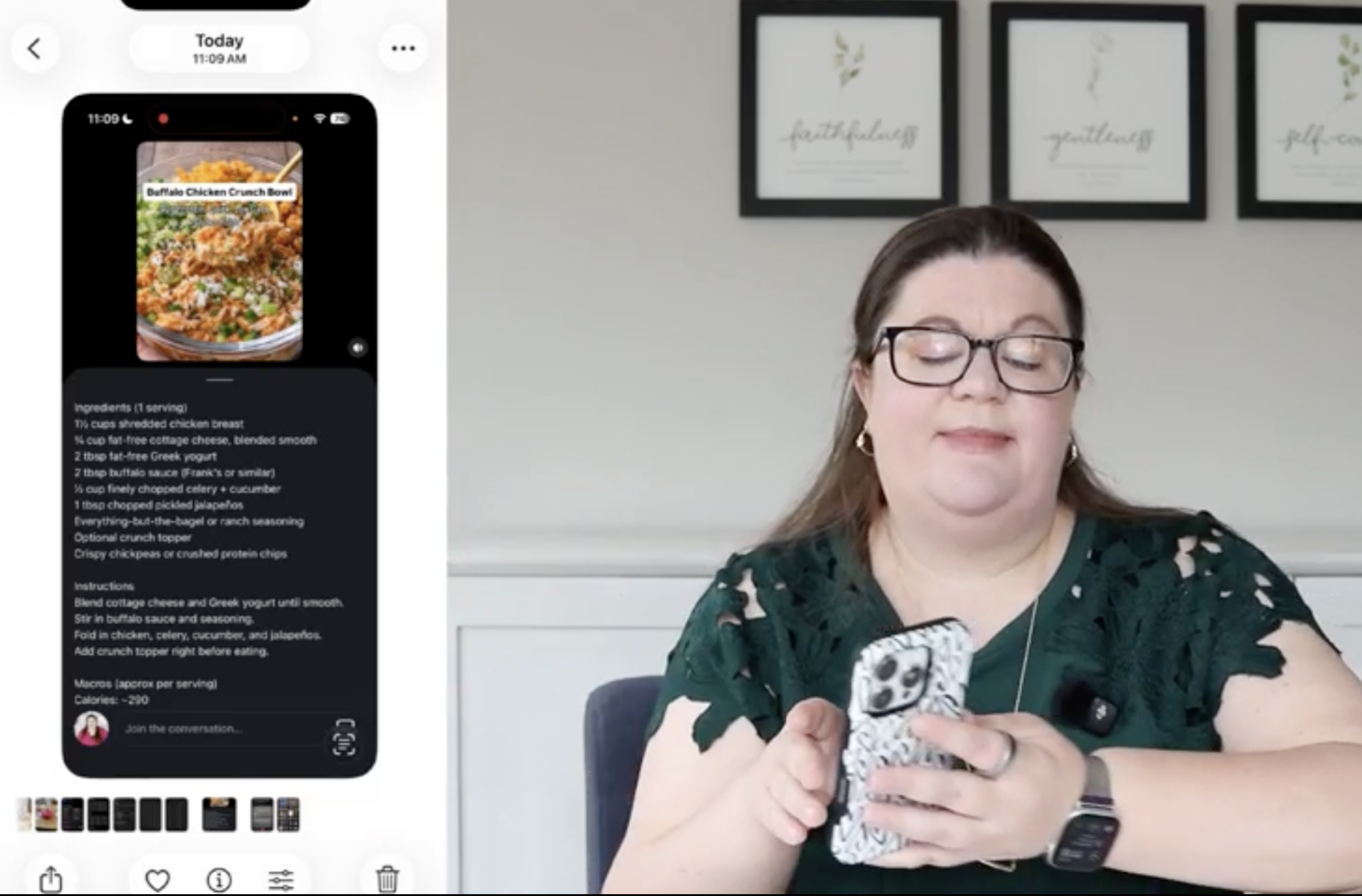
At this point, you might be thinking, “Okay, but how am I going to find anything?” That’s actually the easiest part.
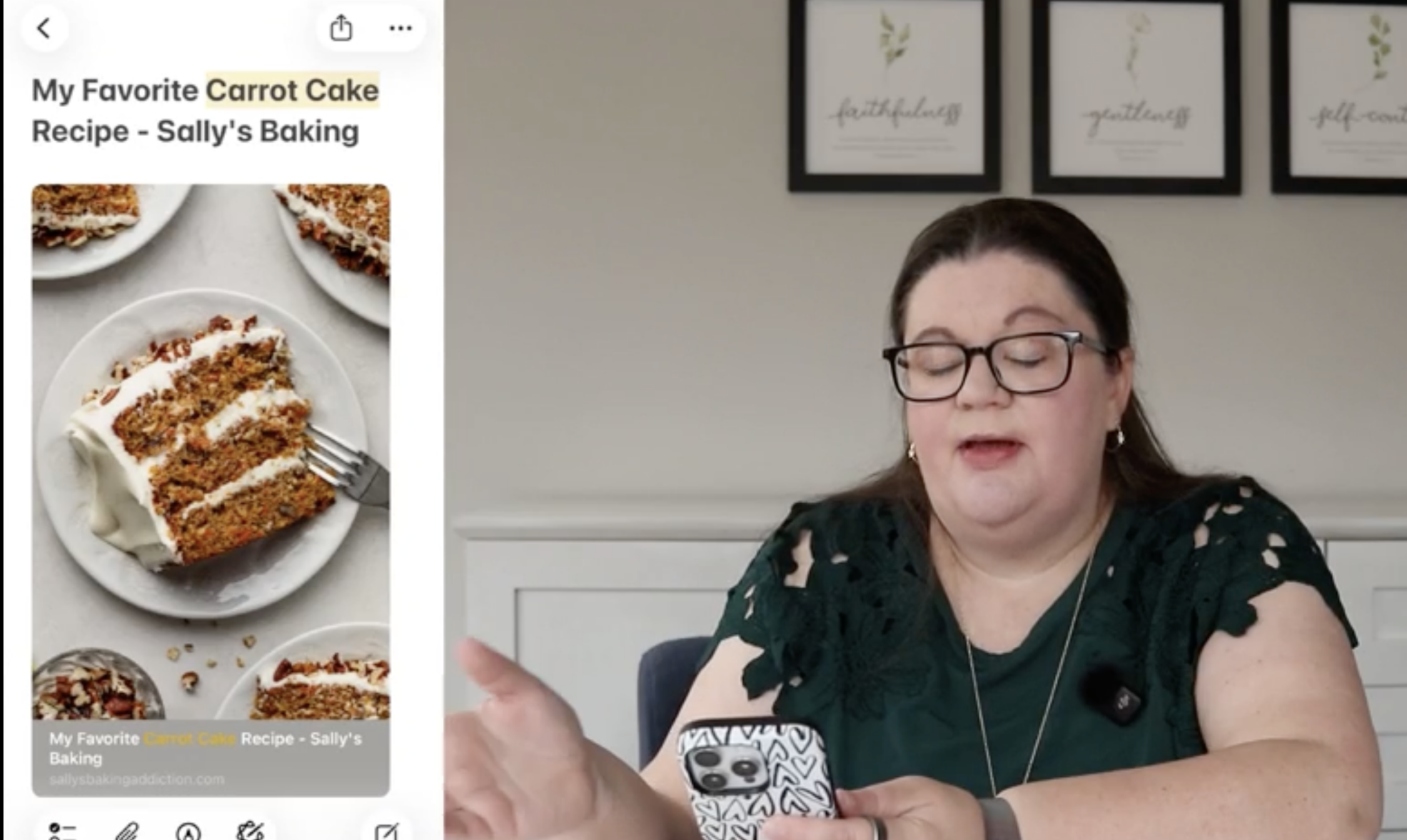
Everything is searchable. You can search titles, text inside notes, PDFs, and even text inside screenshots (on iPhone). So if you type in something like chicken, brownies, or carrot cake, your recipes will show up instantly without needing a complicated system.
For example, you can search:
- “chicken” for dinner ideas
- “brownies” when you need a quick dessert
- “carrot cake” when you remember something specific
And as a bonus, every saved recipe keeps the original link, so you can always go back to the source without doing any extra work.
What About All Your Old Recipes?
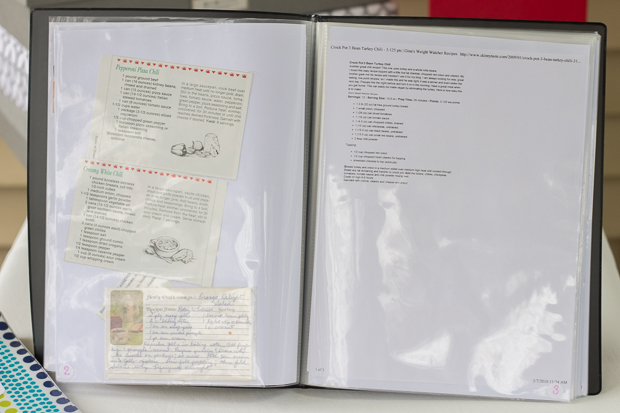
This is where a lot of people get stuck because they feel like they need to organize everything they already have before they start. You don’t.
Start today. From this point forward, every new recipe goes into your Notes folder, and that alone will fix the problem going forward.
If you want to go back and clean up your backlog, you can—but treat it as optional. It’s a great “do this while watching TV” task, not a requirement to get started.
- Start saving new recipes today
- Go back and add old ones later (if you feel like it)
- Don’t wait to be caught up before you begin
That mindset shift is what makes this actually doable.
3 Optional Ways to Make This Even Better
The basic system works on its own, but if you want to take it a step further, there are a few simple ways to improve it without making it complicated.
1. Add Tags (Hashtags)
You can add hashtags to your notes to give yourself quick ways to filter recipes later. These are especially helpful once your folder starts filling up.
Some simple tag ideas:
- #dessert
- #slowcooker
- #freezerfriendly
- #5stars
- #wanttotry
You don’t have to tag everything. You might only tag recipes you’ve tried or ones you really love. Even doing this occasionally makes the system more useful.
2. Create a Tag Index
If you like using tags, you can create one note at the top with your most-used tags so you don’t have to remember them.
This makes it easier to stay consistent, and you can also combine tags when searching. For example:
- #dessert + #freezerfriendly
- #slowcooker + #dinner
That’s when the system starts to feel really powerful without being complicated.
3. Add Personal Notes
This might be the most useful upgrade. When you try a recipe, add a quick note so you don’t have to rely on memory later.
You could write things like:
- “Made this in 2024 — everyone loved it”
- “Too bland, wouldn’t make again”
- “Cut sugar in half next time”
It turns your recipes into something personal and actually helpful, similar to handwritten notes in a cookbook.
What About Printing Recipes?
Here’s how this works in real life. Most of the time, when I actually cook, I prefer using a printed recipe, so I’ll find it in Notes, print it, and use it in the kitchen.
From there, it’s simple:
- Loved it → keep it in your physical system
- Didn’t love it → toss it
- Still keep the digital version so you remember you tried it
There’s no need to overcomplicate the connection between digital and physical unless you actually find yourself needing it.
The Real Goal
This isn’t about building the perfect recipe system. It’s about stopping the constant frustration of losing recipes you actually want to make.
- Save recipes quickly
- Keep everything in one place
- Make it easy to find later
When saving a recipe is fast and easy, you’ll actually do it. And when everything is in one place and searchable, you’ll actually use them.
That’s what makes this system work long term!




 Copyright 2026, Get Organized HQ.
Michelle Says
Thanks, Laura.
What a great tip!
Cheers,
Michelle