

Still Getting iPhone Storage Full Alerts? Nobody Told You This!
If your phone keeps popping up with that storage full alert, I’m willing to bet you’ve done this before. You go in, delete a few photos or random files, feel very productive for about five minutes… and then a week or two later, it’s right back.
So frustrating.
And here’s the thing. It’s not because you didn’t delete enough. It’s because you weren’t deleting the right things. There’s actually a much smarter way to handle this that most people don’t even know exists, and once you see it, you’re going to wonder why you didn’t do this sooner.
If you want me to walk you through it, keep reading, or watch the video here!
Stop Guessing What to Delete
The biggest mistake people make is just randomly deleting things. A few photos here, a screenshot there, maybe an app you barely use. But the reality is those small things usually aren’t what’s eating up your storage.
Instead, you want to go straight to the source. Open your Settings, tap General, and then tap iPhone Storage. In just a few seconds, you’ll be able to see exactly what’s taking up space on your phone, which changes everything.
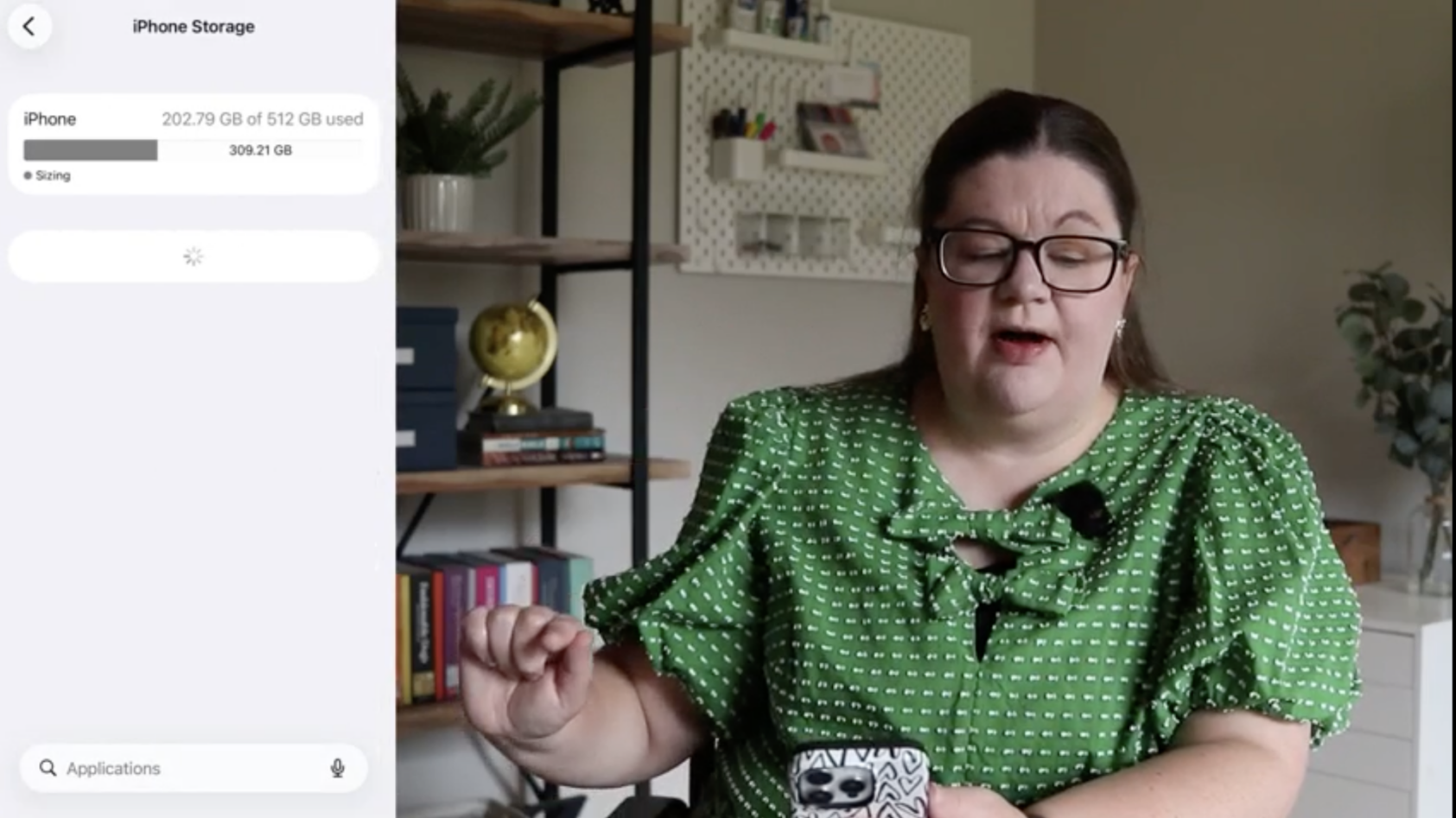
Instead of guessing, you can now clearly see:
- How much space is photos vs apps vs messages
- Which apps are using the most storage
- Where your biggest problems actually are
That alone is a game changer.
Start With Downloaded Media (This Is a Big One)
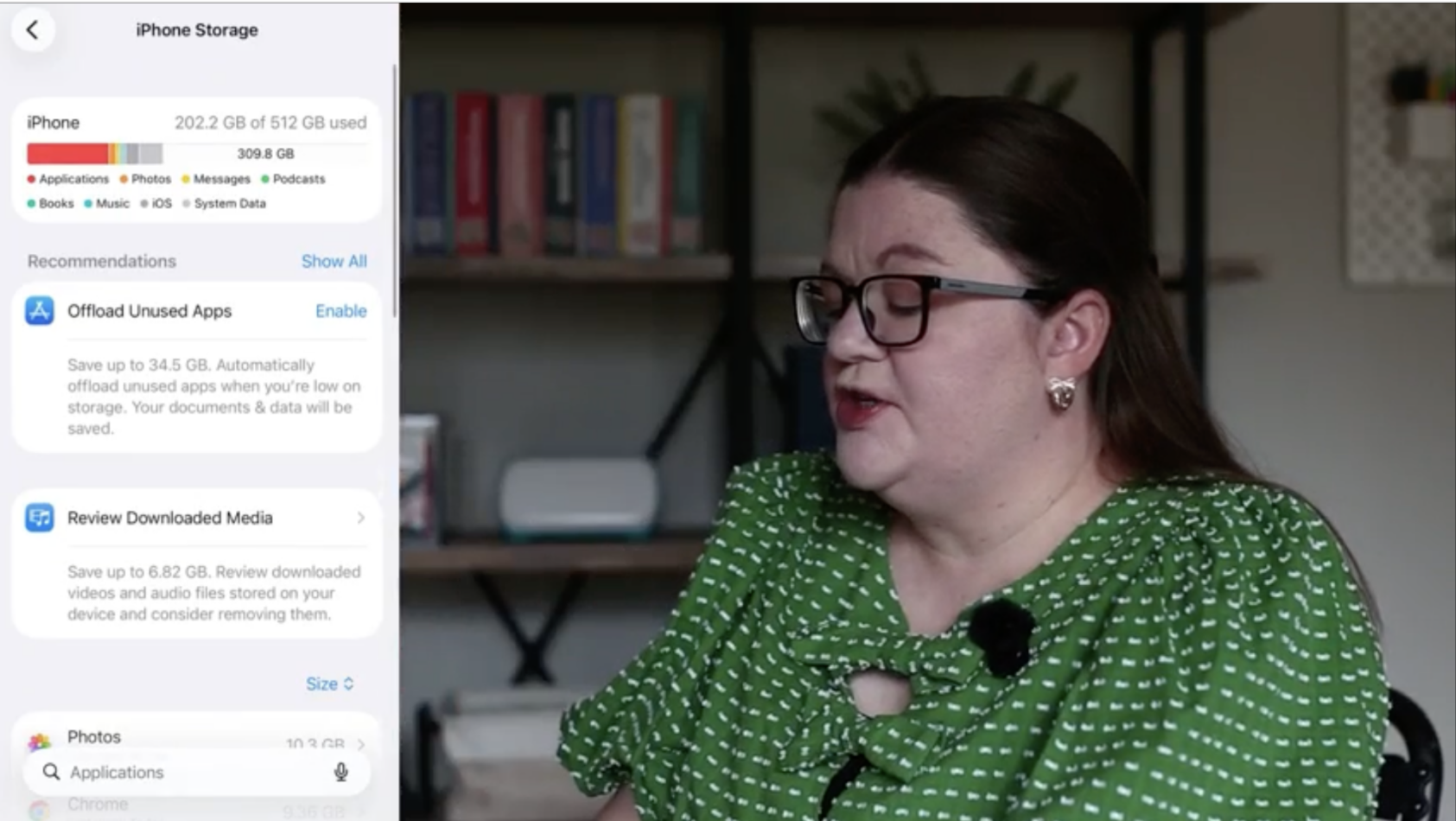
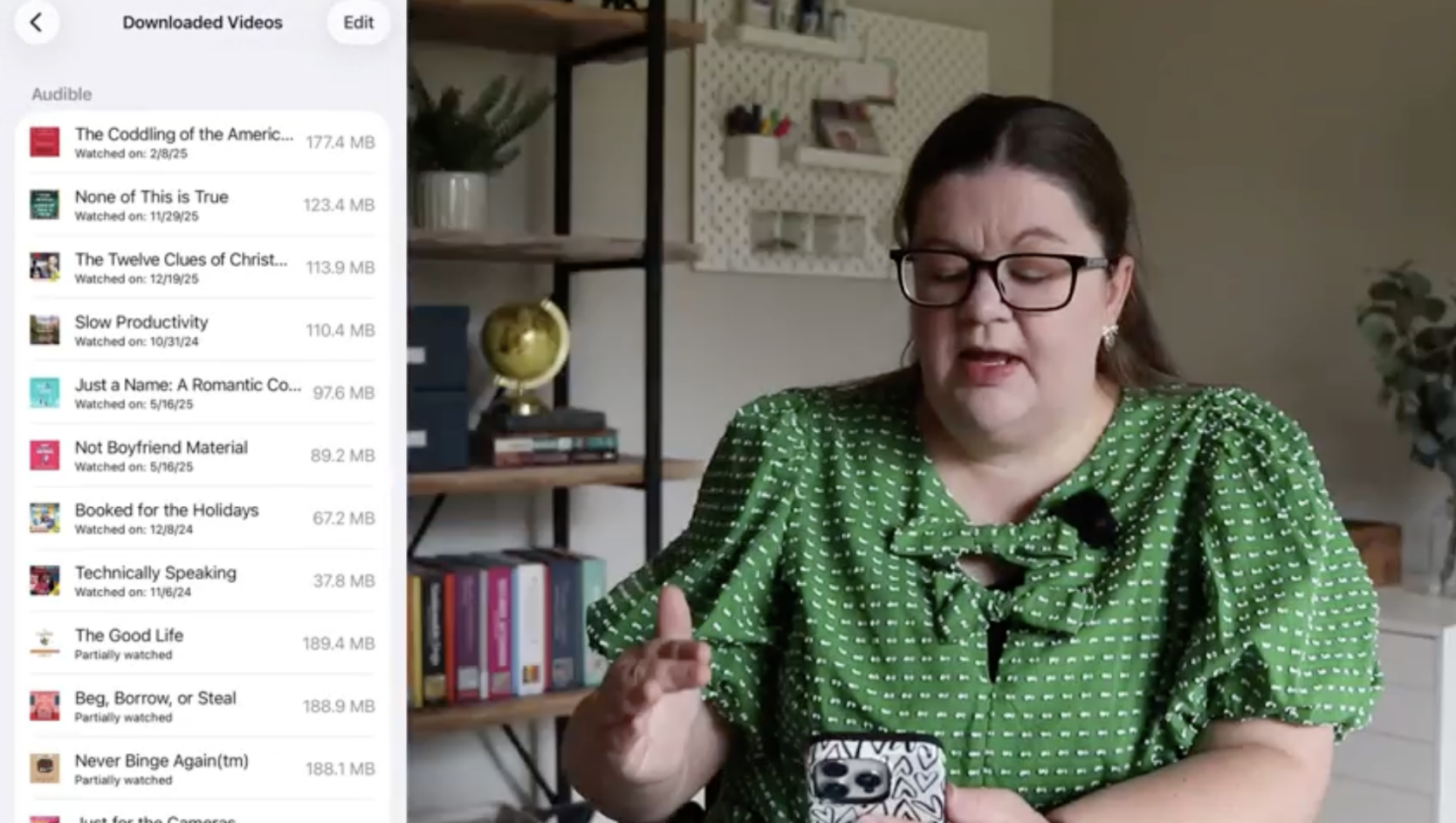
One of the fastest ways to free up space is reviewing downloaded media. This includes things like downloaded audiobooks, offline videos, and podcast downloads, and it’s often where a surprising amount of storage is hiding.
What makes this so effective is that everything is sorted from largest to smallest. Instead of wasting time deleting tiny files, you can remove just a few large items and instantly free up a significant amount of space.
A quick swipe and it’s gone. And don’t worry, you’re not losing your purchases. You can always re-download them later if you need them.
Clean Up Large Attachments in Messages
This one surprises a lot of people. Videos and images sent through text messages can take up a ton of space, and most of the time, you don’t even realize they’re there.
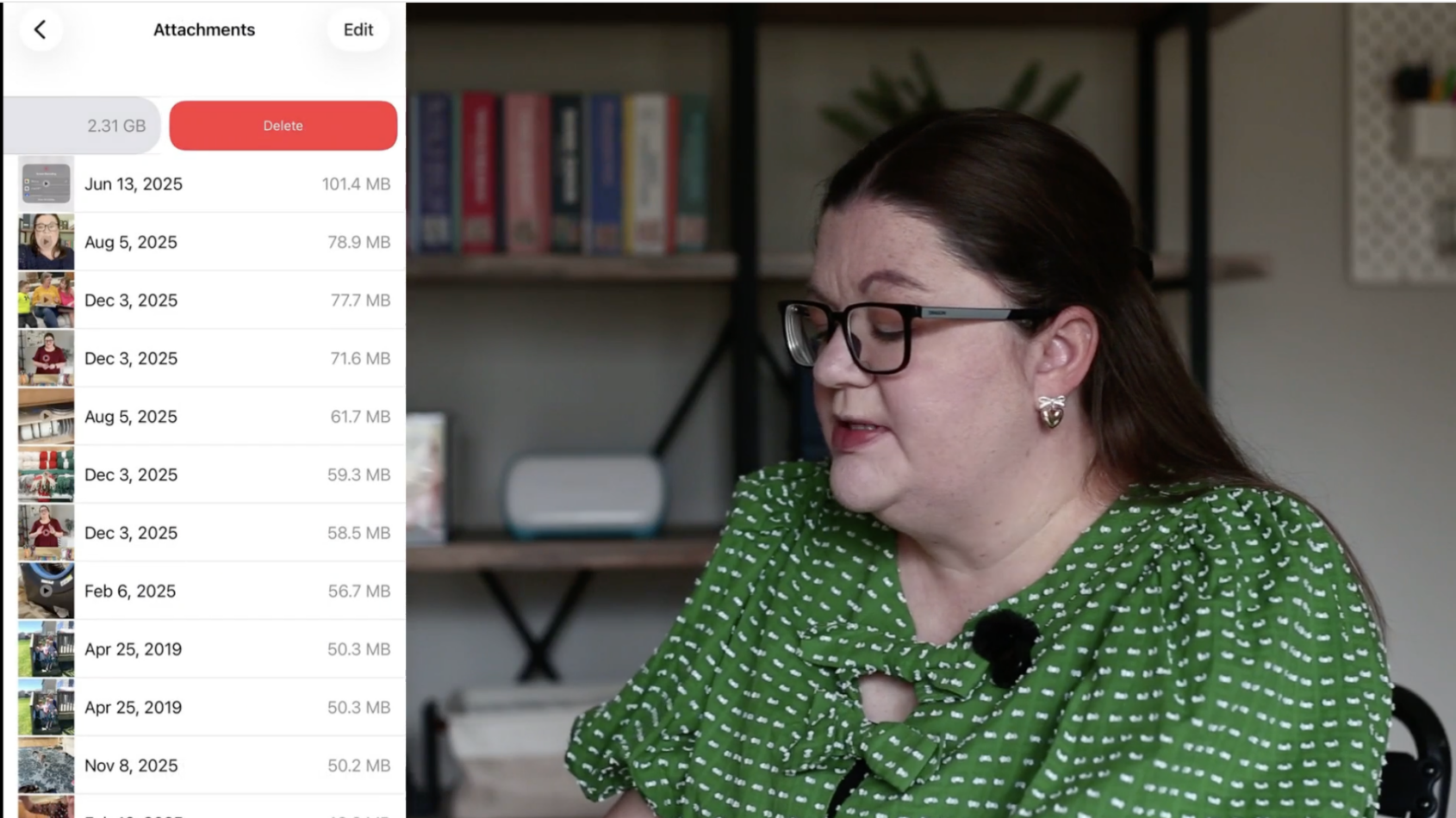
Inside your storage settings, you can review large attachments, see the biggest files first, preview them if needed, and quickly delete anything you don’t care about anymore. Some of these can be multiple gigabytes each, so deleting just a few can make a huge difference.
The “Last Resort” Option (But Still Helpful)
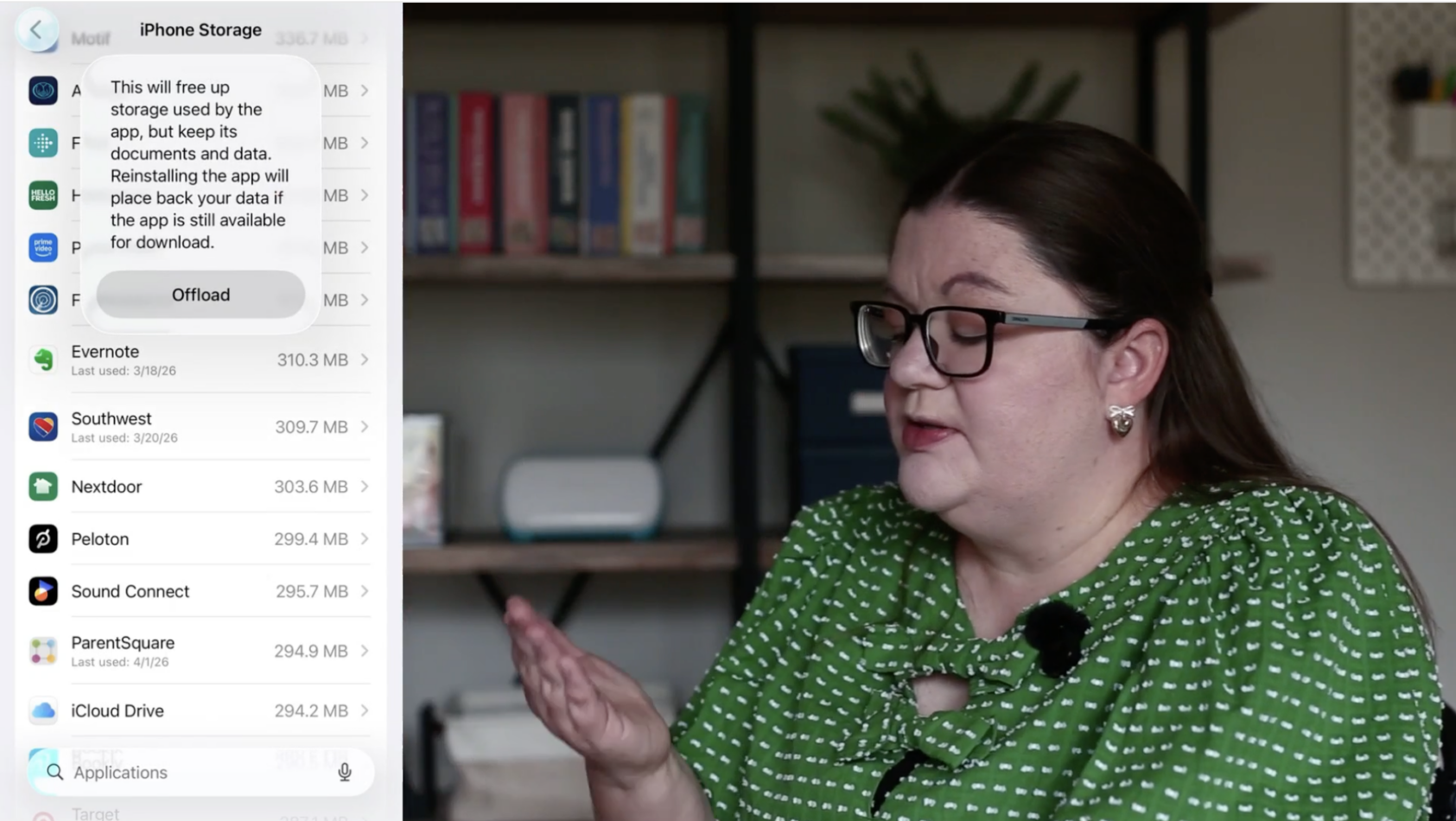
If you’re really tight on space or just need a quick fix, there’s an option called Offload Unused Apps. It removes apps you haven’t used in a while, but keeps your data and settings so you can re-download them anytime with one tap.
This can be helpful if you don’t have time to sort through everything, if you have a lot of apps you rarely use, or if you just need your phone working again quickly.
That said, it’s not always the best long-term solution. Sometimes it’s better to just go through and ask yourself: Do I actually use this app? Do I even know what this is? When was the last time I opened it? If the answer is “I have no idea,” it’s probably safe to delete.
Go One Step Further (If You Want Even More Space)
If you want to really get ahead of this problem, you can dig a little deeper. Some apps store extra data you don’t even think about, like browsers holding onto old downloads, apps storing documents you forgot about, or media quietly building up in the background.
You can go into individual apps and:
- See what’s stored there
- Delete unnecessary files
- Clear out things you forgot existed
This is one of those “do it when you have a few minutes” tasks that adds up fast.
The Real Fix (Why This Works)
Here’s the bottom line. The reason your storage keeps filling up isn’t because you’re not deleting enough. It’s because you’ve been deleting small things instead of big ones, guessing instead of checking, and ignoring the hidden storage hogs.
Once you switch to this method, everything changes. You free up more space faster, and it actually lasts.
Want Help Organizing the Rest of Your Digital Life?
Your phone storage is just one piece of the puzzle. If your photos feel out of control, your email inbox is overwhelming, or your passwords are driving you crazy, you’re not alone.
That’s exactly why we put together a free workshop weekend to help you get your entire digital life organized in a simple, doable way. We walk through it step by step so you can actually make progress, not just think about it.
If that sounds helpful, grab your spot before it starts!




 Copyright 2026, Get Organized HQ.
Car harris Says
Yes I downloaded a ton of Google photos and now keep deleting emails but it downt see to be enough, will follow the rest of this!