

How to Categorize Photos
The biggest tragedy that’s happened with using our phones to take almost all our photos is that it can be sooo hard to find what you want and actually use the photos! It’s so much easier to take a photo than it used to be.
Many of you know I’ve been using the app, Slidebox, to organize my photos, but I want to tell you how I’m actually categorizing them. Choosing simple categories is the key! Keep reading to find out how I categorize, or watch the video here!
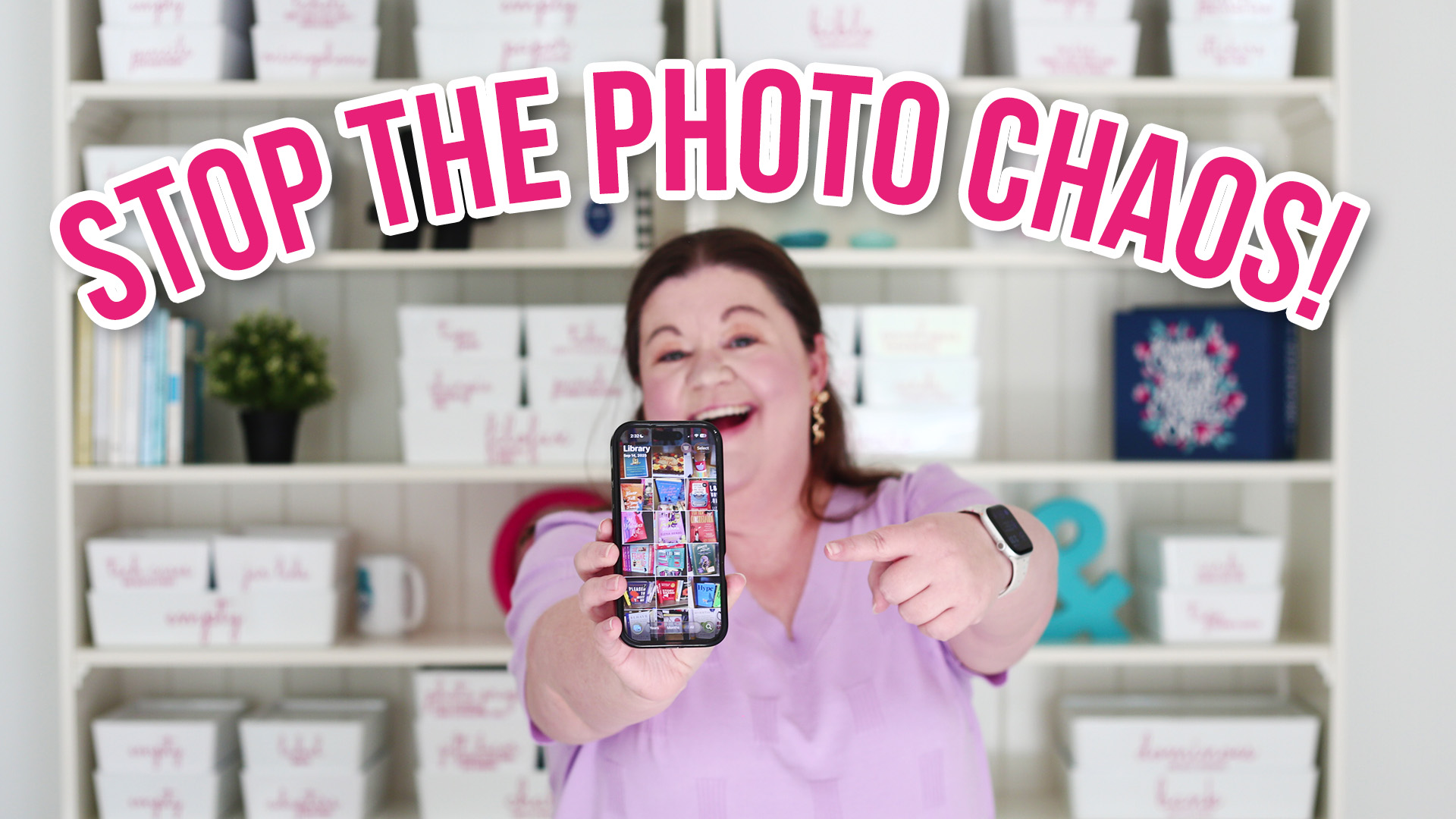
First, I use the term “album” and “category” interchangeably, so if you think in terms of an album, we’re really talking about the same thing. Also, “smart albums” and “smart folders” basically mean the same thing as well.
How NOT to Categorize

Organizing by date is a waste of time. Your phone already does this for you, so there’s no need for you to organize this way.
I also don’t like organizing by event. It just doesn’t always make sense. First, how big or small does the event need to be to get its own category? Also, sometimes there’s an everyday photo mixed in that just doesn’t belong there. Maybe I take a cute photo of my kids with the Target dog while we’re picking up the birthday present on the way to the event. What if there are multiple events in one day?
Microcategories are also not a good idea. Getting too detailed means you can get lost in the weeds! The goal is to keep categorization simple so you’ll actually do it!!!
Finally, don’t categorize photos into more than one place! Each photo has only one home.
Three Categories
It sounds crazy, but I’m organizing ALL my photos into only three main categories:
1. Work

OLYMPUS DIGITAL CAMERA
I take a TON of photos for my job. I’m always creating content, taking pictures for the blog, or shooting video for my YouTube channel. This means I have a huge amount of work photos. But this is a pretty simple category. If I’m using it for work content at all, then it goes in this one main category.
2. Personal

Is it related to a memory or is its something you’d put in a family album? Then it’s personal! All the pictures of my kids go here or of any family or friend event. Pets would go here as well.
3. Screenshots
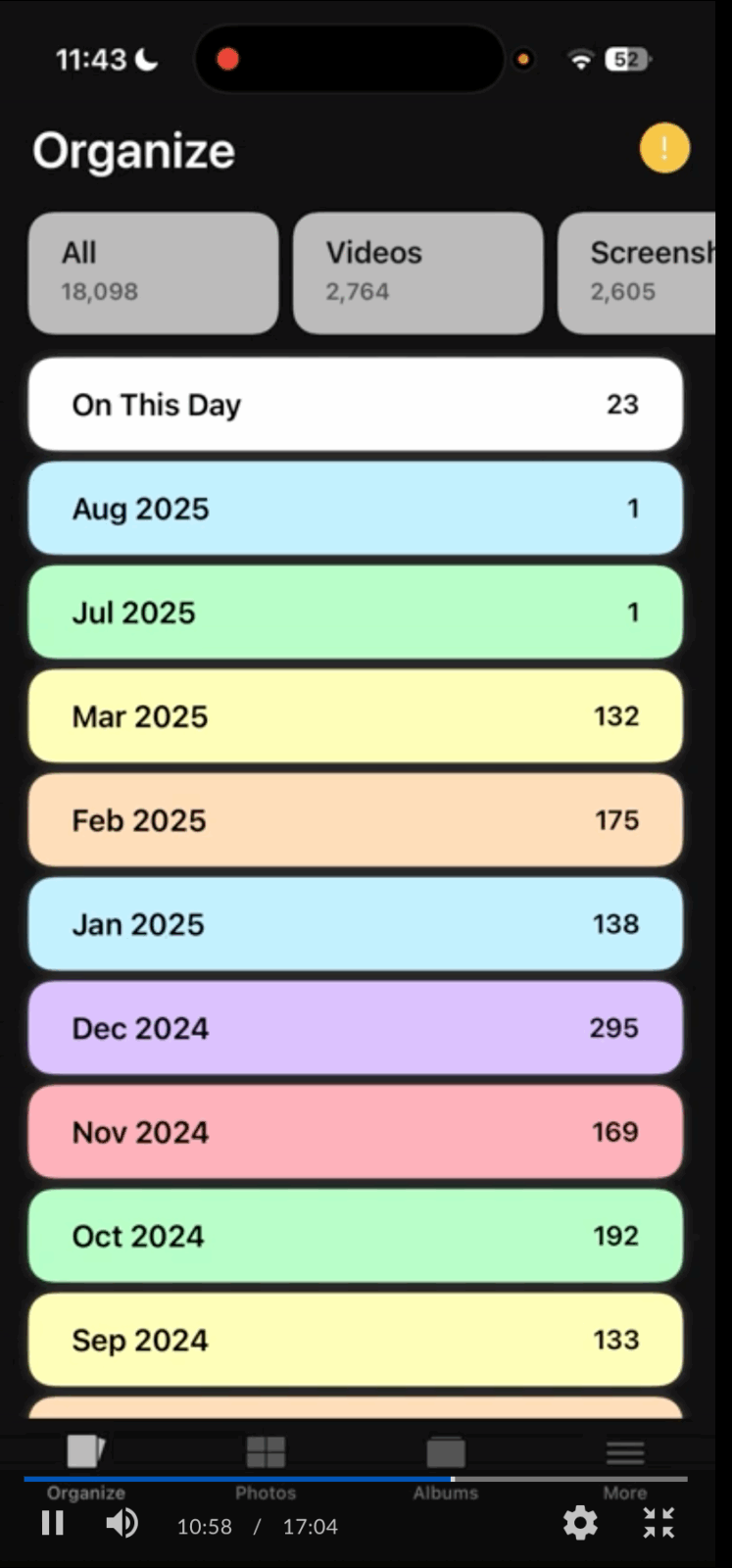
I take a ton of screenshots as reminders to myself. Sometimes I want to read a book I see or watch a TV show. I screenshot recipes.
Photos that aren’t screenshots that are meant to be a reminder to myself also go here. I sometimes take pictures of a book cover while I’m browsing in a bookstore. Anything that is a “note” to myself goes here so I can remember it later.
Sometimes I screenshot funny memes. These go here, too!
Sub-categories
Here’s where things can get sticky. DO NOT fall into the temptation of organizing to specifically into subcategories. I try to keep these really broad, too. I don’t set out to create a ton of subcategories. I just create them as I need them.
For me, the category that has the most sub-categories are my screenshots. Here are a few of my sub-categories:
- Books I want to read.
- TV Shows I want to watch.
- Recipes I want to make.
- Memes I want to keep.
I don’t create categories for things that won’t “age well.” If I’m just starting to try knitting, but I don’t think it will be a long-term hobby, I’m not going to create a knitting category.
I don’t really sub-categorize my personal folder much at all. The only thing I keep separate are my kids’ photos for their own YouTube channels that they play around with. I typically would not put their content into a family album, so I want to keep it separate from our family memories.
Other Tips
The other reason I don’t get very detailed in the personal category is that usually I can find what I’m looking for in ten seconds or less with other methods. For example, if I’m looking for a picture of my daughter’s seventh birthday, I can find that by date. Or if I’m looking for our Disney trip, I can search by location (Orlando). Often you can even use the facial recognition search feature and then narrow by date or location. This is why we only need categories for things that our phone can’t already filter for.
And….that’s it!! I really do keep things as simple as possible. I want it to be easy enough that it’s not a time-consuming chore that I dread. If I overcomplicate it, I know I won’t do it! Don’t worry if you want to change things later. Renaming a category or folder is easy! You’re not locked into what you decide from the beginning. Have fun with the process, and make it as fast, simple, and painless as possible! Your categories might look very different from mine, but my best tip is to keep the categories very broad and don’t fall into too much detail!




 Copyright 2026, Get Organized HQ.