

How I Organize 20,000+ Photos in 2 Minutes a Day!
Are you just completely overwhelmed by the amount of photos in your phone? If you’re like me, I’m constantly taking photos. I have my family and kids of course, but I’m also always taking screenshots or photos of a grocery list or whatever, and it all just clogs up my albums.
If you need help organizing those photos (like I did!!), then I have found the app for you! In just a couple minutes a day, I’ve been making some serious progress on organizing all my photos, and I’m on track to organize every single one of them in less than a year by just using the time I have standing in line or waiting at the doctor’s office. To find out how you can do that, too, keep reading, or check out the video here!

Slidebox
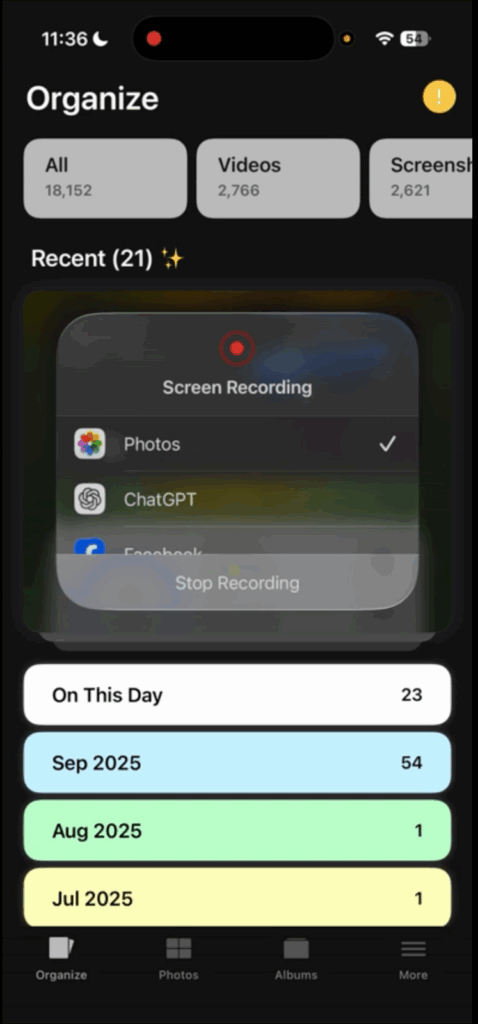
What is this awesome app I found? It’s called Slidebox. I use the Slidebox App with my iPhone, but there is an Android version, too. What I love best about it is that it actually makes changes to the albums and organization within your photo app, not just on Slidebox itself. It’s just so much more user friendly than organizing within the photo app itself. It’s also faster, but this way I feel like I’m truly organized from the ground up!
How to Begin
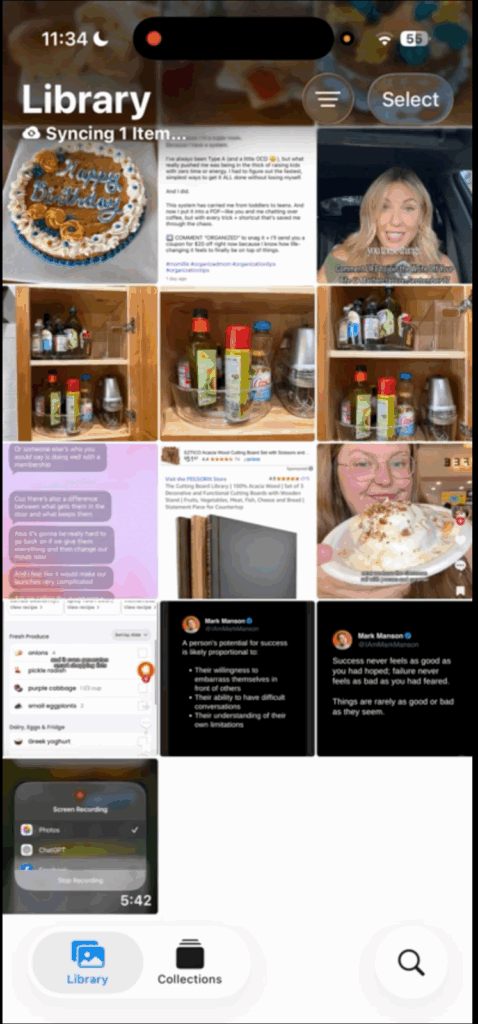
Once you download the app, it will walk you through the basics (or you can also watch my YouTube video here). It will show you a number at the top of photos you have that are unorganized. Mine was 22,000+. Yikes!
It has you start with the newest photos. I love this because this way I’m never adding to the problem. I’m organizing from this point forward, and then anything extra I do goes back from there. When you look at a photo, you can either delete it or categorize it. If you delete, it actually deletes it from your phone, too, which is great because it’s getting rid of clutter!
However, don’t worry too much about accidentally deleting something. There’s an “undo” button, and then it will ask you again at the end if you’re sure you want to delete.
Photos on This Day
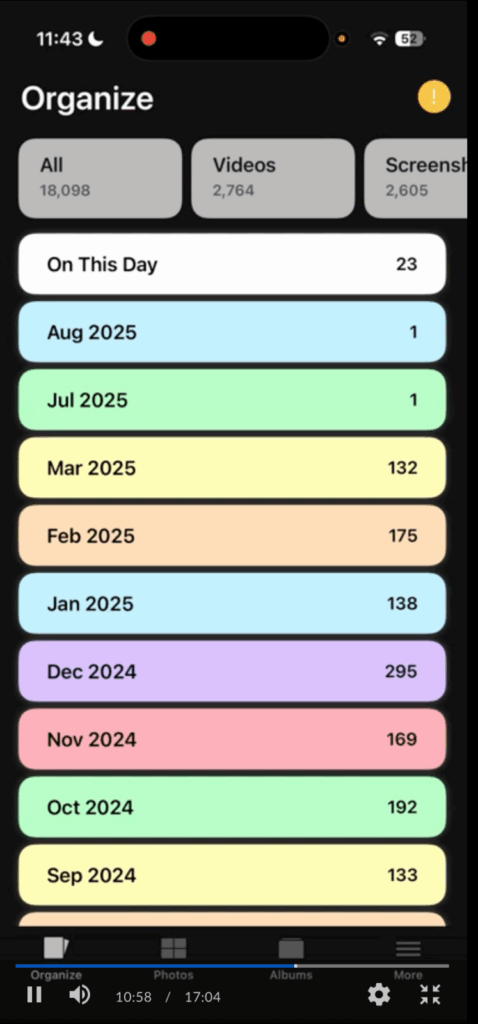
One feature I love is that if you click “photos on this day,” it will take you to all the photos you took on that date with all the years put together. This is fun to look at on someone’s birthday, but it also really helps from an organization perspective. If you commit to doing this every day for a year, then by the end of the year, all your photos will be completely organized! It really does just take a couple minutes a day!
I’ve also started doing a little extra. You can also go by month. So I’ve been picking the months with fewer photos and knocking those out while I’m waiting in a line or at the doctor’s office. It’s fun to see how fast I’m going through my photos by just using spare bits of “wasted” time.
Photos of the Same Thing
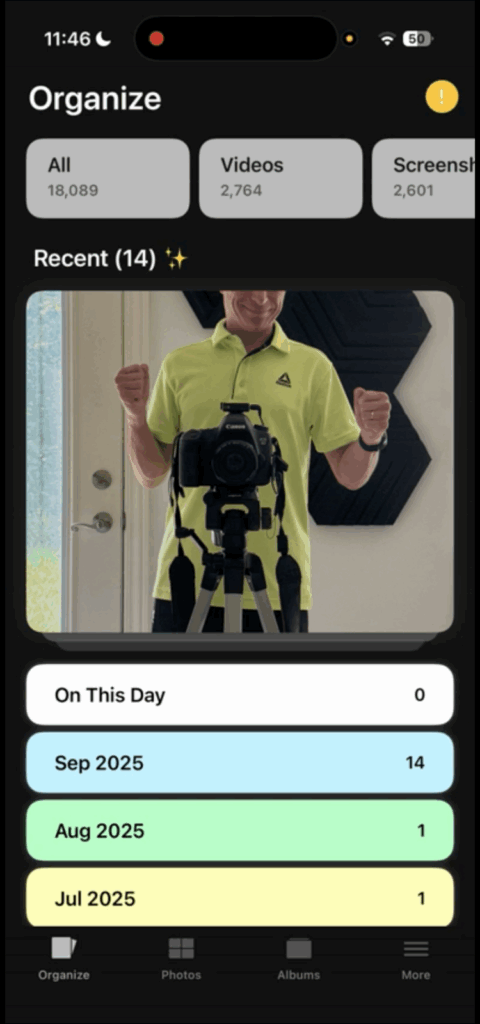

How many times do we take about 20 different photos of almost exactly the same thing? We might be wanting the best angle or a group shot where everyone’s eyes are open. Or we want to make sure we get a perfect shot of our kid blowing out their birthday candles.
But you don’t need all 20 shots. The best way to deal with this is to quickly pick the best one. The key here is not overthinking it. It’s soooo much better to have photos manageable enough to view than to agonize over a tiny little detail that’s ever so slightly different than the next photo. Really– choose fast and don’t overthink!
Staying Motivated
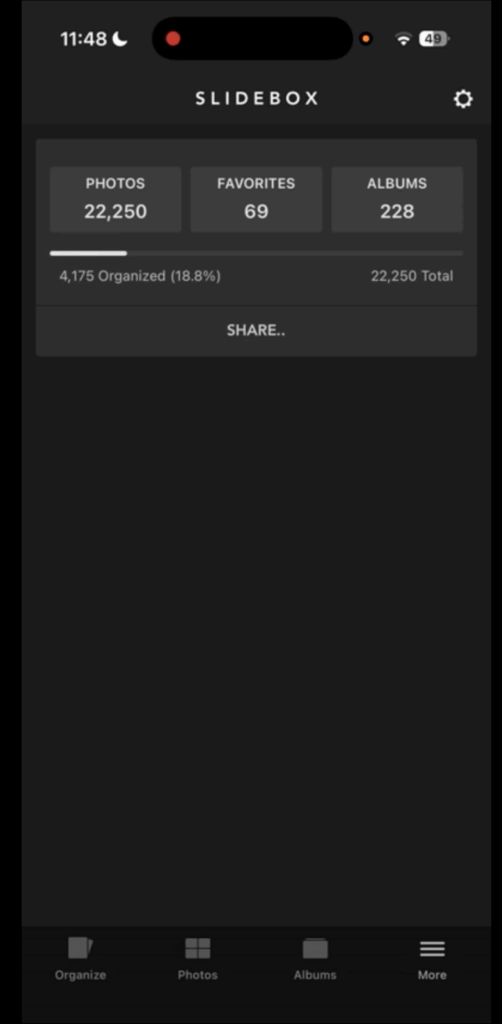
The best part of this app?? It helps me stay motivated! At the top of the screen, it will show you how many photos you started with, how much progress you’ve made, and how far you have to go. I know it’s silly, but I love seeing that little progress bar show movement!
It’s also astonishing to me how quickly this has gone! I really am getting my photos organized in just a few minutes a day. For the first time I feel like it’s possible, LOL! If you decide to give this app a try, report back and let me know how it’s going for you!




 Copyright 2026, Get Organized HQ.
Paige Says
I just downloaded the app….I have more photos than you started with! Hopeful!
Rose Says
This sounds like a great idea! I’m going to check out the Android version. Thanks!
Nancy Says
The advice of picking the best right at that moment and delete the rest (without overthinking) is very useful or at least the same day you took the photos. Thank you!